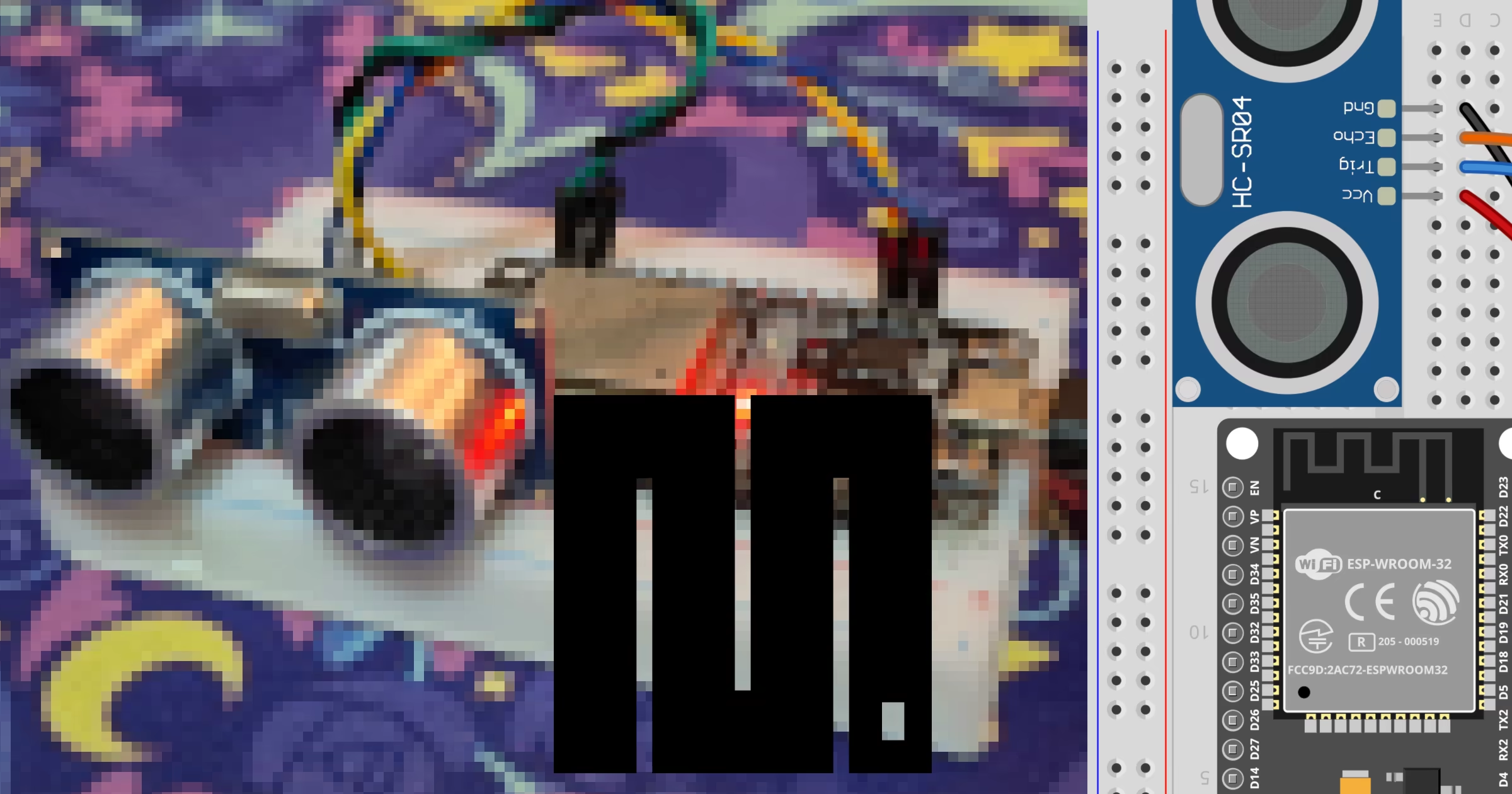
Measuring distance in embedded projects is a common requirement for robotics, automation, and interactive systems. By combining an ESP32 microcontroller with an ultrasonic sensor, you can accurately gauge distances to nearby objects without physical contact. This tutorial demonstrates how to set up the hardware and run a script using MicroPython to read distance values from the sensor.
Required hardware
To follow this tutorial, gather the following hardware components. Make sure to download the correct firmware from the MicroPython downloads page before proceeding with development.
ESP32 development board.
HC-SR04 ultrasonic sensor, specifically the 3V to 5.5V version commonly known as the HC-SR04P.
Wiring the sensor
Proper wiring ensures that the sensor receives adequate power and transmits digital signals to the correct general-purpose input/output pins on the microcontroller. Connect the ESP32 to the HC-SR04 according to the wiring table provided below.
ESP32 | HC-SR04 |
3.3V | VCC |
GND | GND |
D22 | TRIGGER |
D23 | ECHO |


Programming the ESP32
Create a file named main.py on your computer to handle the trigger pulses and echo measurements. The script pulls the trigger pin high briefly to emit an ultrasonic burst, then uses the built-in timing functions to measure how long the echo signal takes to return.
import time
from machine import Pin, time_pulse_us

trigger = Pin(22, Pin.OUT)
echo = Pin(23, Pin.IN)

while True:
    trigger.value(0)
    time.sleep_us(2)
    trigger.value(1)
    time.sleep_us(10)
    trigger.value(0)

    duration = time_pulse_us(echo, 1, 30000)

    if duration > 0:
        print(f"Distance: {(duration * 0.0343) / 2.0:.2f} cm")
    else:
        print("Reading error")

    time.sleep(1)
To upload and execute your code without permanently flashing it for local tests, you can use the command line utility detailed in the mpremote docs. Run the following command in your terminal:
mpremote run main.pyRelated tutorials
If you want to explore alternative microcontrollers or firmware variations, check out these related guides:
HC-SR04 ultrasonic sensor on ESP32 with Arduino

HC-SR04 ultrasonic sensor on ESP32 with Arduino
Learn how to connect and program an HC-SR04 ultrasonic distance sensor with an ESP32 board using the Arduino framework and PlatformIO.
HC-SR04 ultrasonic sensor on RPi Pico with MicroPython

HC-SR04 ultrasonic sensor on RPi Pico with MicroPython
Learn how to connect and program an HC-SR04 ultrasonic distance sensor with a Raspberry Pi Pico using MicroPython and timed pulse functions.
HC-SR04 ultrasonic sensor on STM32 with MicroPython

HC-SR04 ultrasonic sensor on STM32 with MicroPython
Learn how to connect and program an HC-SR04 ultrasonic distance sensor with an STM32 BlackPill board using MicroPython and the machine module.