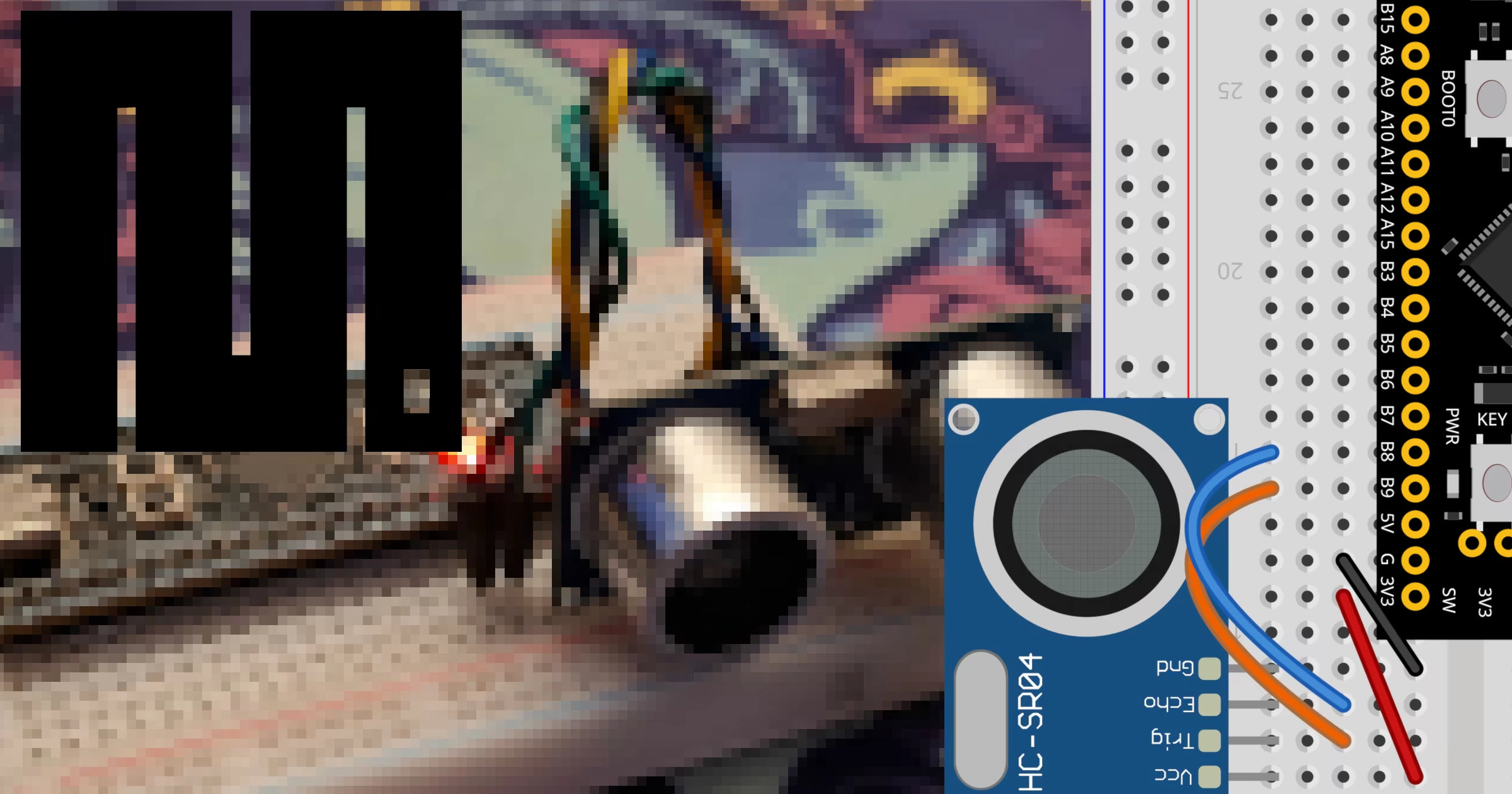
Measuring distances accurately in embedded systems projects is straightforward when combining the efficient MicroPython firmware with reliable hardware components. This guide demonstrates how to interface an HC-SR04 ultrasonic distance sensor with an STM32 microcontroller board using MicroPython. Before flashing your device, grab the correct firmware binary from the official MicroPython downloads page, and consult the mpremote docs to understand how to manage files and run scripts directly from your host machine during development.
Required Components
To follow along with this build, make sure you have the following hardware components ready on your workbench:
STM32 BlackPill development board for the main microcontroller logic.
HC-SR04 ultrasonic sensor for distance measurement.
Wiring and Connections
Proper wiring ensures accurate communication between the sensor and the microcontroller. Connect the pins of the STM32 BlackPill to the HC-SR04 sensor according to the wiring table provided below.
STM32 BlackPill | HC-SR04 |
3.3V | Vcc |
GND | Gnd |
B9 | Trig |
B8 | Echo |
The following diagrams help visualize how the circuit should look. First, reference the schematic layout to verify pin alignments.

Next, check the physical layout to ensure your protoboard connections match the circuit design before powering everything on.

MicroPython Implementation
Create a file named main.py on your computer and populate it with the script below. This code configures the trigger pin to send a short ultrasonic pulse and uses the built-in function time_pulse_us() to measure the travel time of the echo return signal, converting it into a distance in centimeters.
import time
from machine import Pin, time_pulse_us

trigger = Pin('B9', Pin.OUT)
echo = Pin('B8', Pin.IN)

while True:
    trigger.value(0)
    time.sleep_us(2)
    trigger.value(1)
    time.sleep_us(10)
    trigger.value(0)

    duration = time_pulse_us(echo, 1, 30000)

    if duration > 0:
        print(f"Distance: {(duration * 0.0343) / 2.0:.2f} cm")
    else:
        print("Reading error")

    time.sleep(1)
With your code saved, you can instantly execute the script on the connected development board by running the following command in your terminal:
mpremote run main.pyRelated Tutorials
If you want to explore alternative hardware setups and platforms for distance sensing projects, check out these related guides:
HC-SR04 ultrasonic sensor on STM32 with Arduino:

HC-SR04 ultrasonic sensor on STM32 with Arduino
Learn how to interface an HC-SR04 ultrasonic distance sensor with an STM32 BlackPill using the Arduino framework and PlatformIO.
HC-SR04 ultrasonic sensor on RPi Pico with MicroPython:

HC-SR04 ultrasonic sensor on RPi Pico with MicroPython
Learn how to connect and program an HC-SR04 ultrasonic distance sensor with a Raspberry Pi Pico using MicroPython and timed pulse functions.
HC-SR04 ultrasonic sensor on ESP32 with MicroPython:

HC-SR04 ultrasonic sensor on ESP32 with MicroPython
Learn how to connect and program an HC-SR04 ultrasonic sensor with an ESP32 microcontroller using MicroPython and distance measurement scripts.