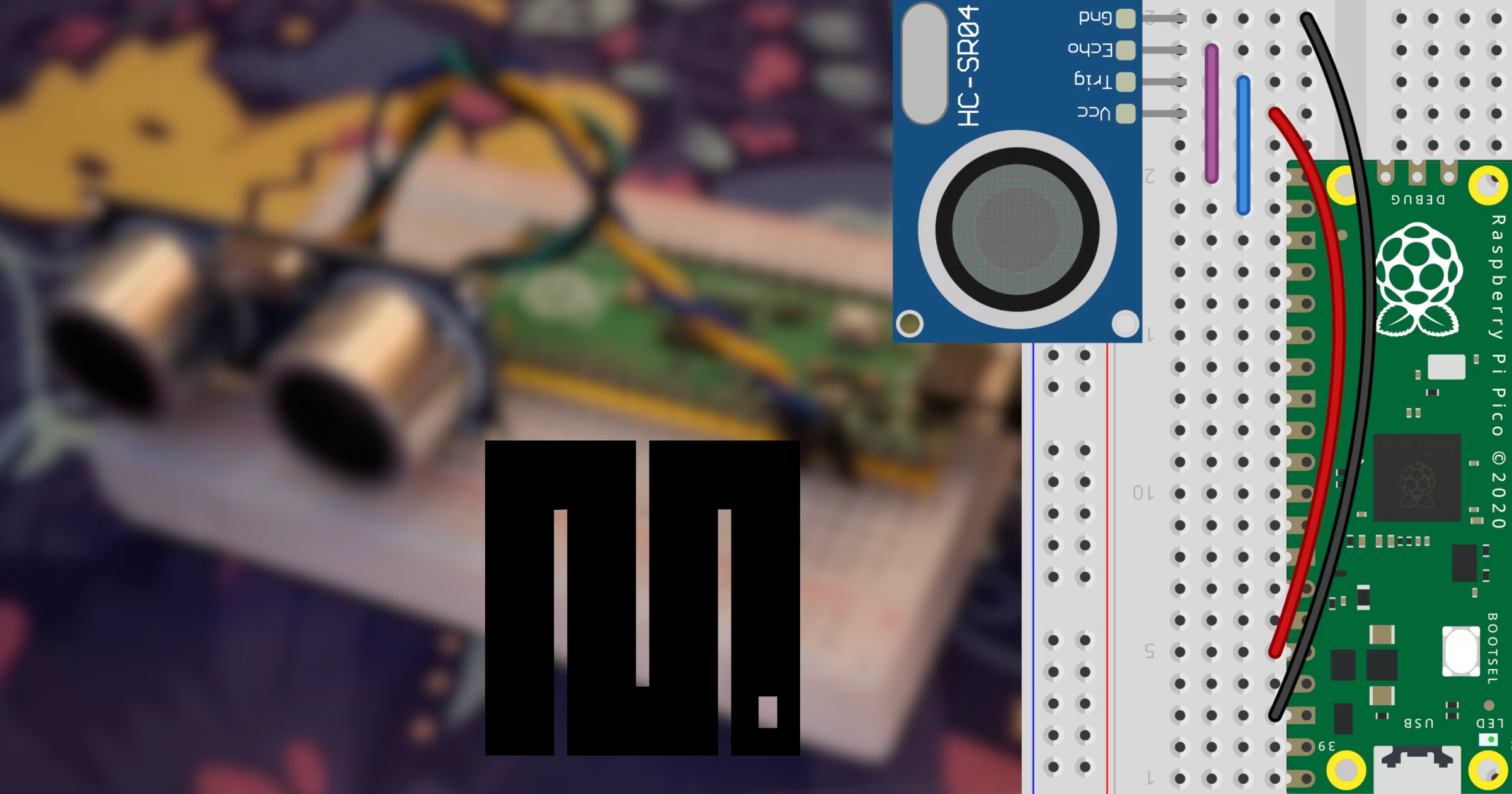
Measuring distances accurately in embedded projects is a common requirement for robotics and automation tasks. By combining the compact power of a microcontroller with a reliable ultrasonic transducer, you can build non-contact measurement systems easily. This guide explains how to interface an HC-SR04 ultrasonic sensor with a Raspberry Pi Pico using MicroPython.
To follow this tutorial properly, ensure you have your environment and components ready. You can download the latest firmware from the MicroPython downloads page and manage your board using the mpremote docs for efficient command-line deployment.
Required materials
-
Raspberry Pi Pico
-
HC-SR04 (3V–5.5V version, also known as HC-SR04P)
Wiring the sensor
Correct connections are essential to protect your components and ensure proper signal transmission. The HC-SR04 sensor sends out sound waves and listens for the echo to calculate distance. Pay close attention to the power supply and logic levels. Note that standard 5V HC-SR04 sensors require a voltage divider on the echo pin to prevent damage to the Pico, but using the 3V-compatible HC-SR04P model allows safe direct wiring.
Raspberry Pi Pico | HC-SR04 |
3.3V | VCC |
GND | GND |
GP17 | TRIGGER |
GP16 | ECHO |


MicroPython implementation
Once your hardware layout matches the wiring table and diagrams, create a file named main.py on your computer. This script triggers an ultrasonic burst and listens for the echo pulse length using the built-in time_pulse_us function. The returned microsecond duration is then converted into centimeters.
import time
from machine import Pin, time_pulse_us

trigger = Pin(17, Pin.OUT)
echo = Pin(16, Pin.IN)

while True:
    trigger.value(0)
    time.sleep_us(2)
    trigger.value(1)
    time.sleep_us(10)
    trigger.value(0)

    duration = time_pulse_us(echo, 1, 30000)

    if duration > 0:
        print(f"Distance: {(duration * 0.0343) / 2.0:.2f} cm")
    else:
        print("Reading error")

    time.sleep(1)
To run the script directly on your device without saving it permanently as the boot script, you can execute the following command in your terminal:
mpremote run main.pyRelated tutorials
If you want to explore alternative microcontrollers or programming paradigms with the same sensor, check out these related guides:
HC-SR04 ultrasonic sensor on RPi Pico with Arduino

HC-SR04 ultrasonic sensor on RPi Pico with Arduino
Learn how to interface the HC-SR04 ultrasonic sensor with a Raspberry Pi Pico using the Arduino framework and PlatformIO.
HC-SR04 ultrasonic sensor on STM32 with MicroPython

HC-SR04 ultrasonic sensor on STM32 with MicroPython
Learn how to connect and program an HC-SR04 ultrasonic distance sensor with an STM32 BlackPill board using MicroPython and the machine module.
HC-SR04 ultrasonic sensor on ESP32 with MicroPython

HC-SR04 ultrasonic sensor on ESP32 with MicroPython
Learn how to connect and program an HC-SR04 ultrasonic sensor with an ESP32 microcontroller using MicroPython and distance measurement scripts.